10. Device Transfer
Prefer built-in phone transfer first:
iPhone to iPhone: Apple Quick Start / iCloud restore
Android to Android: Google backup / phone transfer
If does not apply, use in-game solution:
Put both devices side by side. Then follow these steps:
Old device:
1. Go to Options
2. Hold touch on the top bar for 6sc
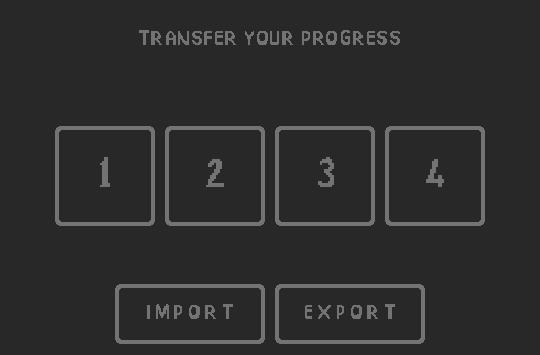
3. Transfer screen should activate
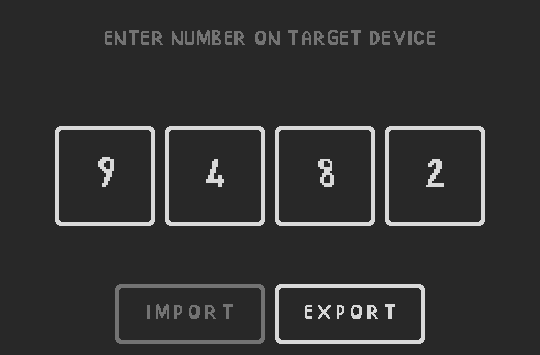
4. Press EXPORT and keep the generated code open
New device:
1. Go to Options (play a few minutes if hidden)
2. Hold touch on the top bar for 6sc
3. Transfer screen should activate
4. Enter the 4 digit code and press IMPORT
In-game transfer moves progress to the new device and wipes it from
the old one.